

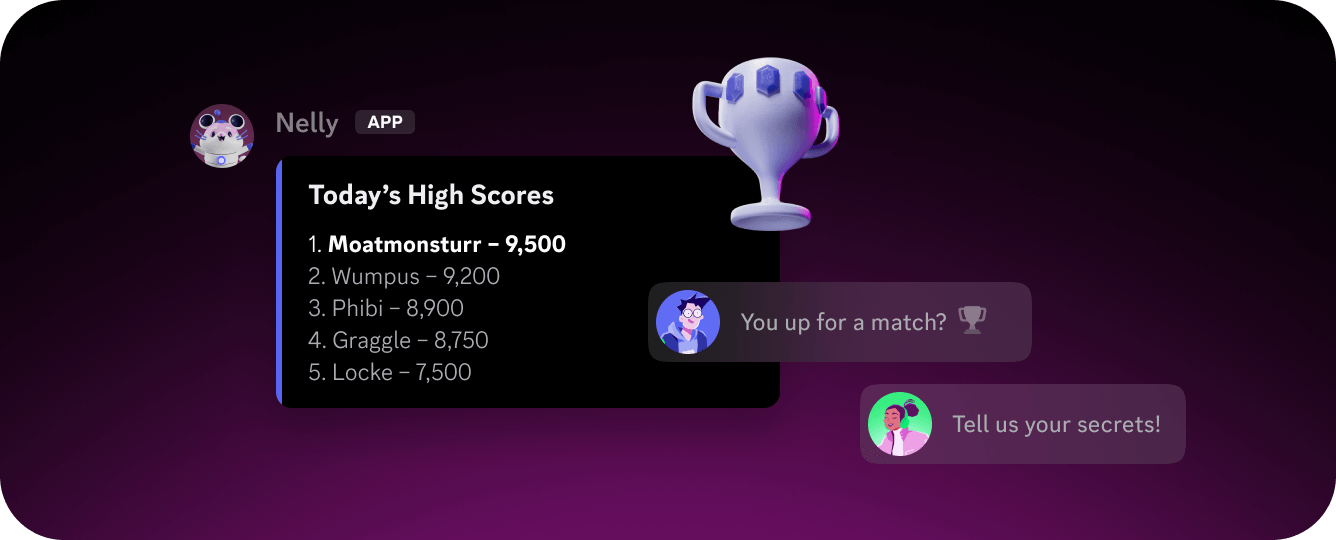
 Bots are applications that connect to Discord using the Discord API. They appear in servers as users with an
 APP tag and can interact with members, respond to events, and perform actions programmatically. For a deeper look at what bots can do and when to use one, see the Bots & Companion Apps platform page.
Getting Started
To build a bot, you’ll need to:- Create an application in the Discord Developer Portal. This is where your bot token, OAuth2 credentials, and configuration live.
- Add a bot user to your application from the Bot tab. This generates the token your code uses to authenticate.
- Invite the bot to a server using an OAuth2 URL with the bot scope and the permissions your bot requires.
- Connect to the API using the Gateway for real-time events, the HTTP API for REST operations, or both.
Building Your Bot
- Interactions — Slash commands, context menu commands, buttons, select menus, and modals that let users interact with your bot.
- Components — Layout, content, and interactive UI elements you can attach to messages and modals.
- Monetization — Add subscriptions and one-time purchases to your bot using Discord’s built-in payment flow.
- Discovery — Get your app listed in the App Directory and App Launcher so users can find and install it.
- Guides & Tutorials — Practical guides on implementing common bot features and best practices.
Next Steps
Build Your First App
Step-by-step guide to building and running your first Discord bot.
Bot Development Guides
Explore guides on implementing common bot features and best practices.