

App discovery applies to Bots and Activities.
App Directory
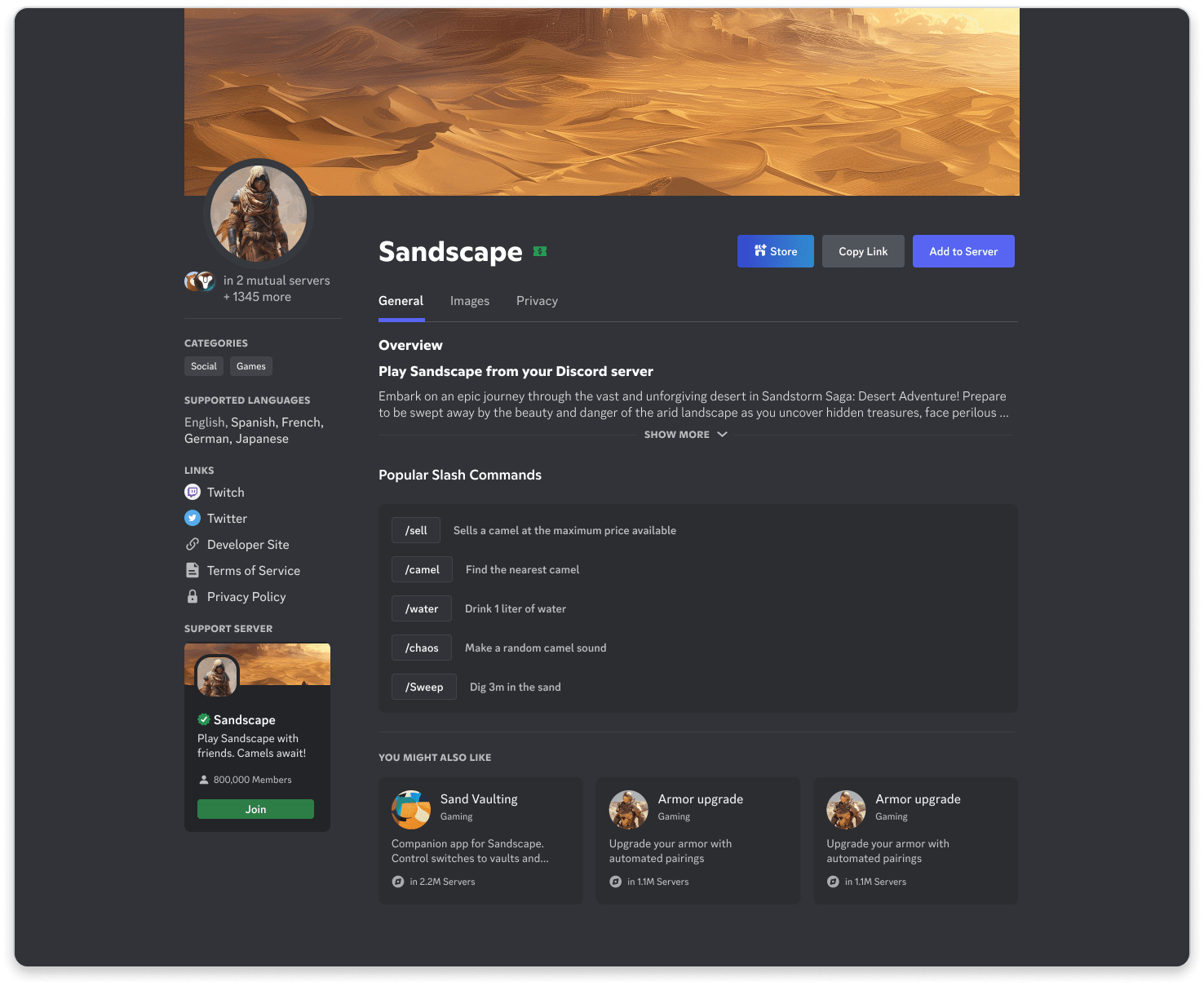
Once you’ve enabled discovery for your app, users can find it in the App Directory — a searchable hub where they can browse by name, category, or collection.- Search: Users can search for your app by name and install it.
- App Directory Product Page: Share information about your app, including descriptions, images, videos, and links.
App Launcher
The App Launcher lets users discover apps through collections and search from the app shapes icon throughout Discord.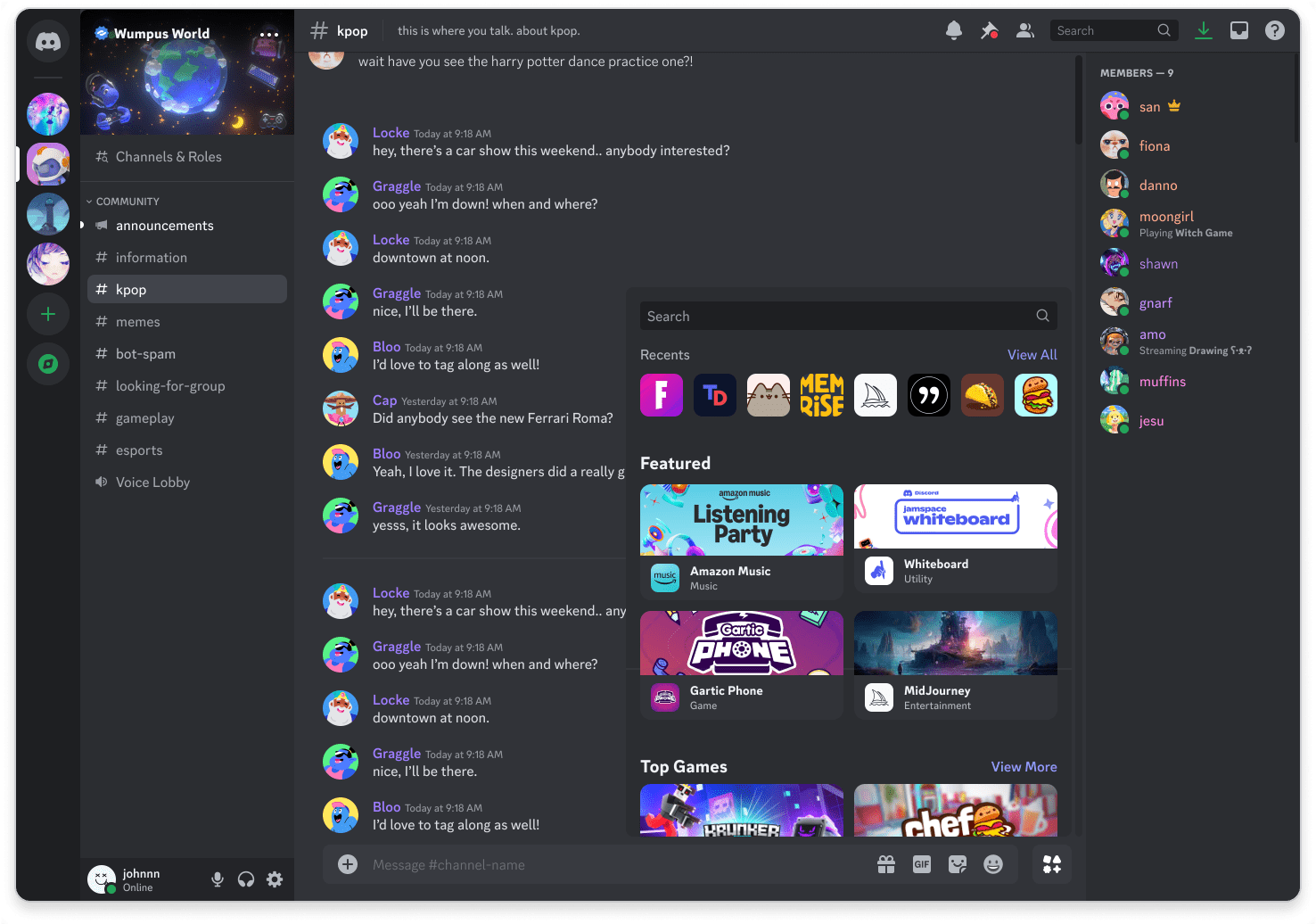
App Launcher Collections
- Recent Apps: Apps you’ve recently used or installed will appear at the top of the App Launcher
- Installed Apps: Apps already added to your account or server (if applicable)
- Curated Collections: A mix of user favorites, staff picks, and recommended apps
- Partner Apps: Some apps may be developed in collaboration with Discord, marked with a “Partner” tag
- Promoted Apps: Apps given more visibility in the App Launcher or App Directory, identified by a “Promoted” tag
Editorial Recommendations
Apps can be featured in the App Directory or App Launcher as part of a curated collection or promotion. Discord’s editorial team will reach out to you if we are interested in featuring your app.Social Discovery
Once your app is discoverable, users may find it through social interactions in Discord. When your app is used in a server, it may be visible to other users, allowing them to learn more about it and install it themselves from your app’s profile.Sharing Links
Create shareable links to your app’s profile page, store page, or specific items. Share these links in Discord, emails, or on your website.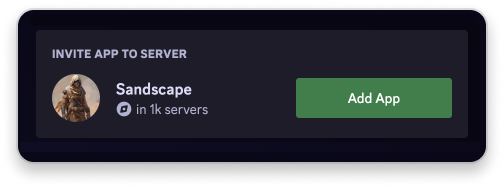
Rich Presence
Use Rich Presence to show what users are doing in your app, driving more users to discover it.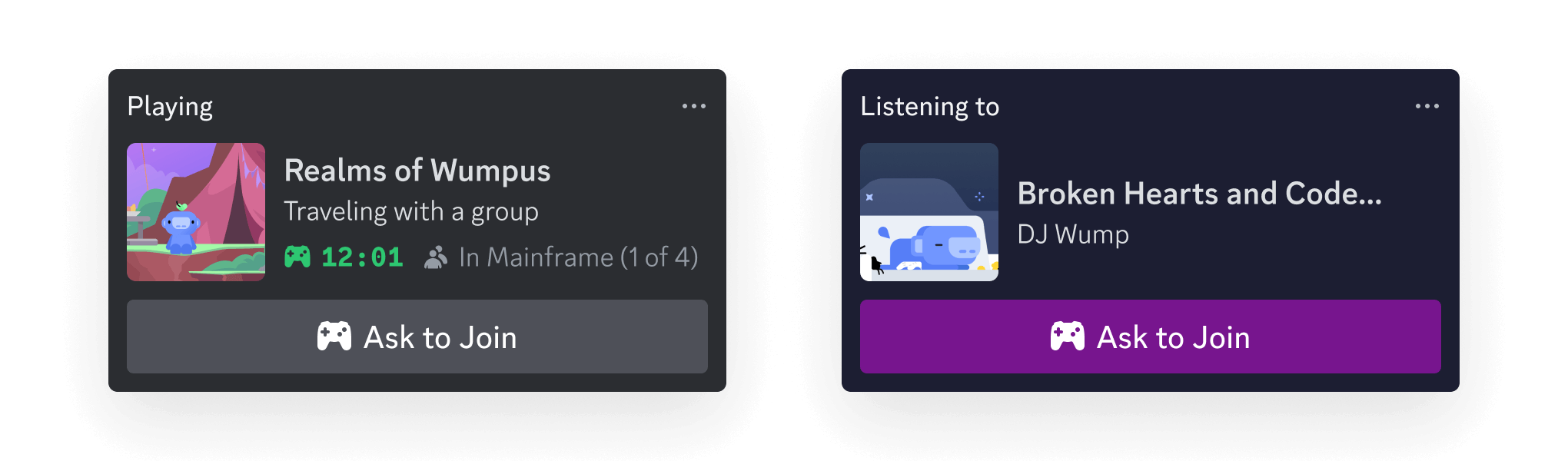
Next Steps
Ready to enable discovery for your app?Enabling Discovery
Enable discovery for your app to make it available in the App Directory and App Launcher.
Discovery Best Practices
Learn how to make your app stand out and drive more users to discover it.